An hour of scrolling. Nothing stays.
wisst is short articles, one idea each. Read one in a few minutes, write in one sentence what you took from it, and talk about it only with people who read it too.

Why join now
Be one of the first
wisst is starting now. Be among its first readers, and among the first to open a discussion.
Shape what it becomes
Every report goes straight to the person who builds wisst. This is when things still change.
Write while it’s quiet
A new article starts with readers who chose its topic, so it finds readers before you have an audience. Readers who like what you write can follow you.
Nothing to sell you
No ads, no tracking, no third-party analytics. Politics, news and sport are left out on purpose.
How it works
 1
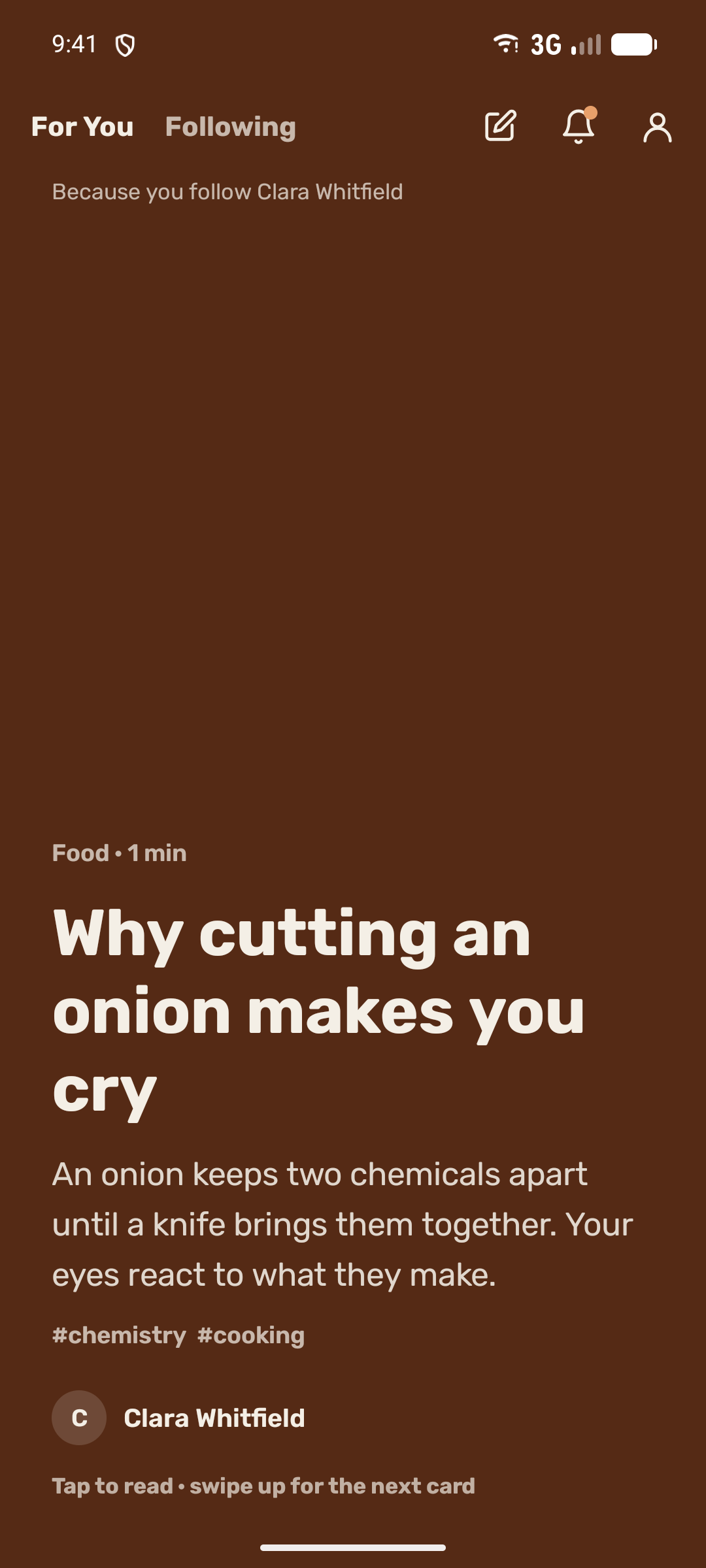
One idea per card
Swipe up for the next. Tap one to read it in a few minutes.
 2
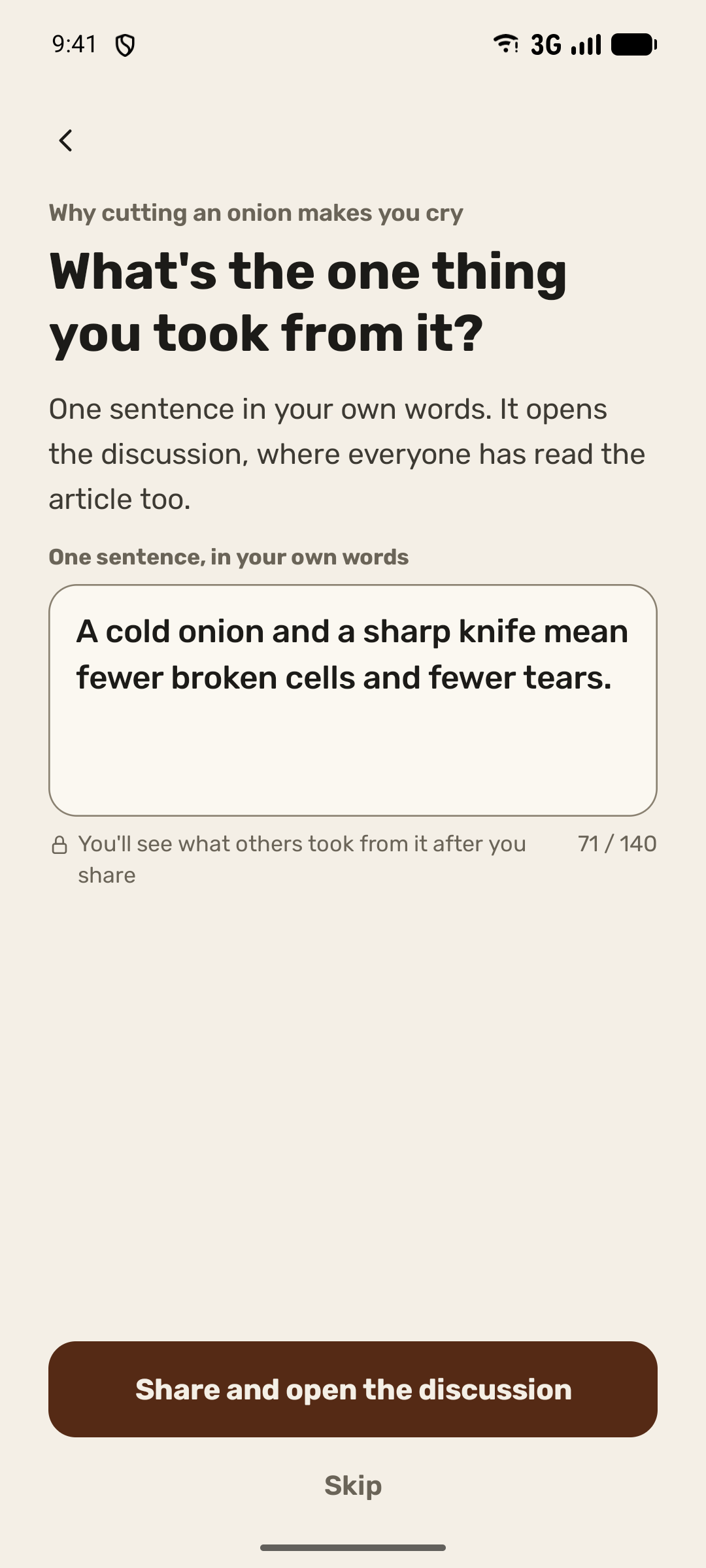
Write what you took
One sentence in your own words, up to 140 characters.
 3
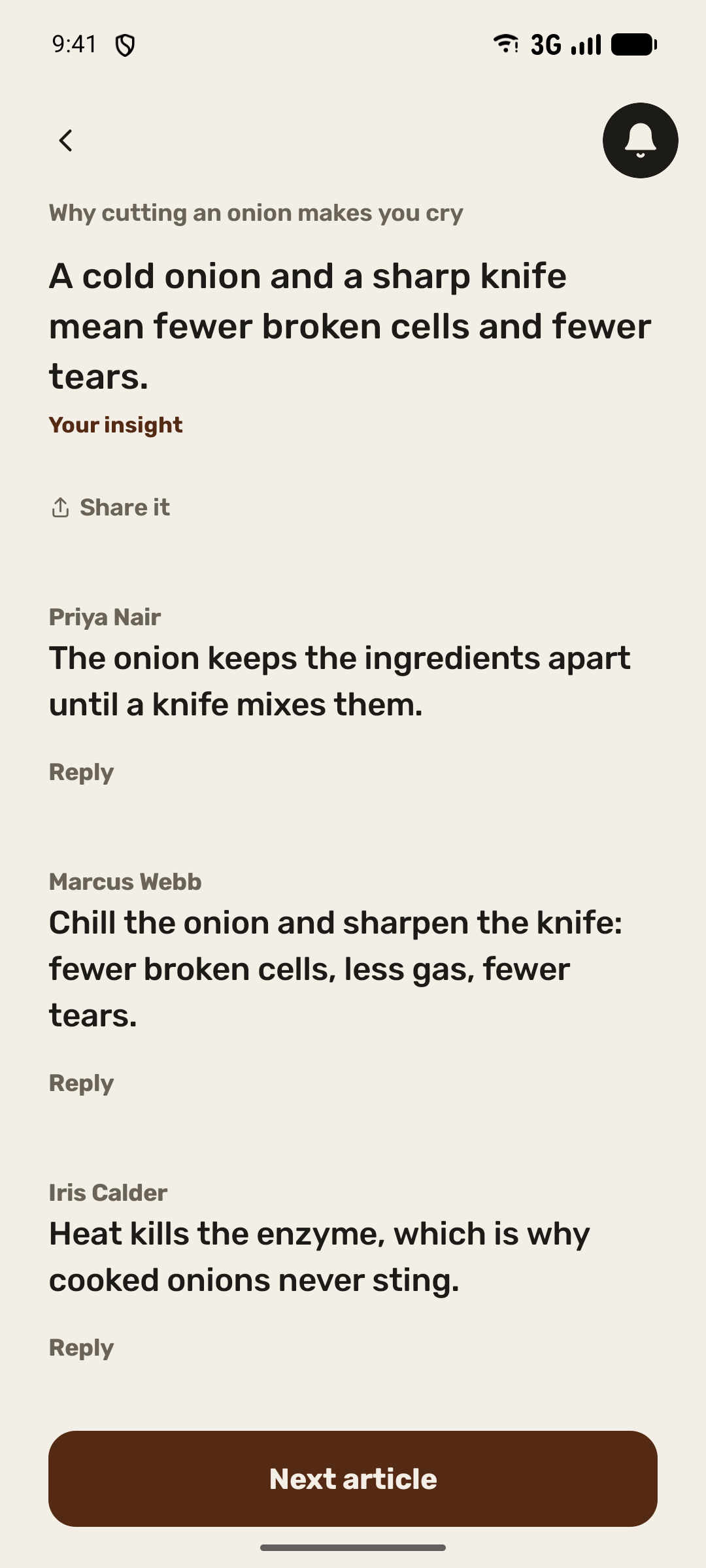
Then the discussion opens
Only people who read it and wrote their own insight take part.
Get wisst
wisst is on Google Play. Install it on your Android phone; reading needs no account.
On iPhone?
wisst starts on Android. Leave your address and wisst will write to you once, when it’s on the App Store.
wisst writes to you once, when it’s on the App Store, and then deletes your address. If you’d like to write, it also writes to you about that before the launch. Privacy policy
For testers: what to try and how to help
Everyone in the beta is a real person, and what you write is real. The terms of use and the content rules apply to everyone. Terms of use
What to try this week
- Read three articles to the end.
- Write an insight and read the discussion it opens.
- Reply to someone in a discussion.
- Write or record one article of your own.
Something broken or unclear? Send feedback from wisst’s page in Google Play, or write to support@wisst.app. A screenshot and what you expected to happen help most.